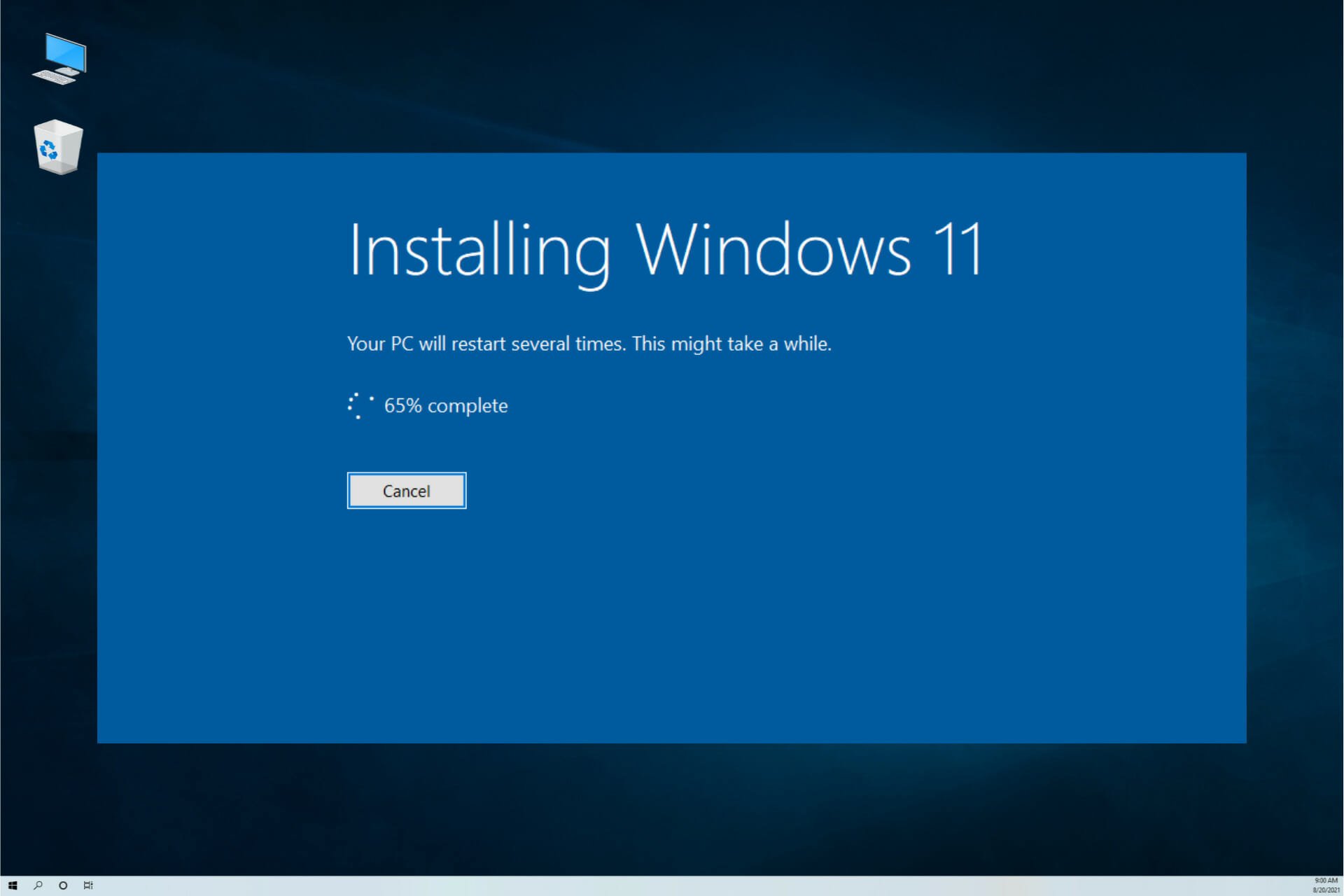
Microsoft officially ended support for Windows 10 on October 14th, marking the conclusion of an era for one of its most enduring operating systems. This long-anticipated transition was supposed to be a straightforward shift for users ready to embrace Windows 11. However, the path to upgrading has been unexpectedly rocky, with Microsoft's own Media Creation Tool reportedly malfunctioning for many attempting the move from Windows 10 22H2.
The Silent Glitch Frustrating Users
Users attempting to create installation media for Windows 11 using the official tool have encountered a perplexing issue. Instead of guiding them through the process, the application unexpectedly closes without any error message or explanation. This silent failure leaves users in the dark, unsure if the problem is on their end or with Microsoft's servers. The lack of communication from the tool transforms a supposedly simple task into a frustrating technical puzzle. For individuals and IT departments alike, this unreliability at such a critical juncture is a significant concern, potentially delaying essential security updates and access to new features that Windows 11 promises.
Official Workarounds and Their Limitations
In response to these issues, Microsoft has suggested a workaround: downloading the disk image (ISO file) directly. While this provides an alternative route, it comes with its own set of complications. Utilizing an ISO file typically requires burning it to optical media like a DVD, a method that has become increasingly obsolete as modern laptops and desktops often forego optical drives altogether. This solution feels like a step backward, forcing users to rely on legacy hardware that many no longer possess or have easy access to. It highlights a disconnect between the company's modern software offerings and the practical realities of contemporary computer hardware.
Third-Party Solutions to the Rescue
For those savvy enough to seek alternatives, third-party tools like the open-source utility Rufus offer a more modern solution. Rufus can create bootable USB drives from ISO files, effectively bypassing the need for a DVD drive. This has made it an invaluable tool for many enthusiasts and professionals. However, this path is not without its own warnings and complexities, requiring users to venture outside of official channels and assume responsibility for the process.
The Bigger Problem: Windows 11's Stringent Hardware Hurdles
The installation media issue, while inconvenient, is merely a symptom of a larger challenge surrounding the Windows 11 upgrade. The real barrier for a vast number of users remains the operating system's strict hardware requirements. To run Windows 11, a device must support UEFI Secure Boot and have a TPM 2.0 (Trusted Platform Module) chip enabled. These security-focused mandates are designed to create a more secure computing baseline, but they have the practical effect of rendering millions of perfectly functional PCs ineligible for the upgrade. Many users who discover the Media Creation Tool is broken may later find that their hardware is incompatible anyway, leading to a double dose of frustration.
A Divided User Base and the Future of Windows
This rocky transition creates a clear divide in the Windows ecosystem. Users with newer hardware who can navigate the installation hurdles will move forward into Microsoft's vision of a more secure, modern OS. Meanwhile, a significant portion of the user base will be left behind on an unsupported Windows 10, facing potential security vulnerabilities, or will be forced to consider purchasing new hardware. This situation raises important questions about digital inclusion and electronic waste. Is it reasonable to exclude computers that are computationally capable but lack specific security chips? The industry is watching closely to see how Microsoft manages this fragmentation and whether it will adjust its policies in the face of user and enterprise pushback.
What Users Can Do Now
For those determined to upgrade, the recommended course of action is twofold. First, use Microsoft's PC Health Check app to definitively confirm your device's compatibility with Windows 11. This can save time and effort if the hardware itself is the ultimate barrier. Second, if the Media Creation Tool fails, consider the ISO and Rufus method for creating a bootable USB installer, ensuring you have a blank USB drive with at least 8GB of space available. It is also crucial to back up all important data before attempting any major operating system upgrade, as the process can sometimes lead to data loss.
Looking Beyond the Glitch
The failure of the Media Creation Tool at such a critical moment is more than a simple bug; it's a communication breakdown between a software giant and its global user base. It underscores the complexities of managing end-of-life transitions for software used by billions. As Microsoft pushes forward with its Windows 11 agenda, it must ensure that the pathways to adoption are as smooth and accessible as possible. For now, users are left with a mix of official workarounds, third-party tools, and a lingering uncertainty about the future of their trusted devices.