
Microsoft’s support for Windows 10 formally ended on October 14, 2025, closing a decade of routine security patches and feature updates for one of the world’s most widely used operating systems. Yet as 2026 gets underway, a meaningful number of users—home and business alike—are still clicking past warning banners and carrying on as usual. That decision may feel harmless, especially for light web browsing or email, but Japanese security professionals and PC experts are sounding a clear alarm: continuing to use an unsupported OS while connected to the internet is a high-risk bet that can harm not only you but others around you.
What “support” actually covers—hardware vs. software
Computer support divides broadly into two categories. The first is hardware-centric: how to use your machine, how to diagnose faults, and how to arrange repairs. PC manufacturers typically provide this, often bundling guidance for basic use of key applications. The second is software-centric: how to use the operating system and applications, and how to receive software updates—everything from routine bug fixes to major feature updates and, crucially, security patches. Software support is handled by the maker of the OS or application.
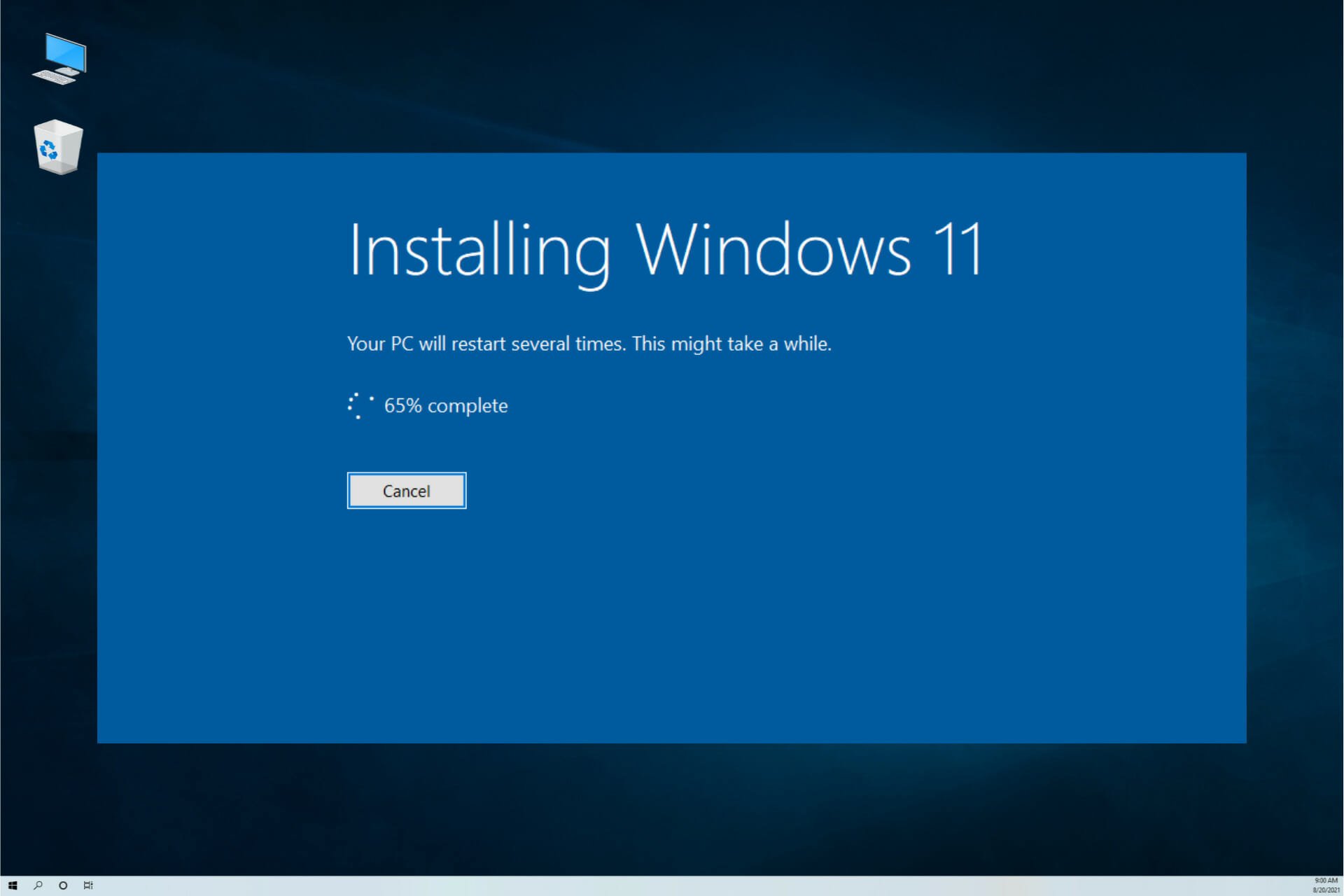
Support timelines differ. On the hardware side, availability of spare parts and repair logistics largely determine when a vendor must call time. On the software side, publishers weigh economics, engineering resources and security policy to set a lifecycle in advance. Windows 10, Microsoft’s flagship OS of the late 2010s, was no exception: Redmond’s end date was long known, and many Japanese consumers and companies scheduled either an in-place upgrade to Windows 11 or a hardware refresh to meet the 2025 deadline.
When support ends, risk rises—often silently
What actually happens when you keep using Windows 10 after end of support? The headline issue is that newly discovered flaws in the operating system will no longer be patched under the standard channel. That leaves the platform increasingly exposed to exploits that modern attackers automate at frightening speed.
Think of it like a car whose manufacturer has stopped producing parts and ended recall coverage. You might keep driving, and on ordinary days everything seems fine. But a latent defect—say, a brake-line weakness or faulty airbag—could turn a minor incident into a major accident. With an unsupported OS, that “accident” is a security breach.
The risk is not limited to obvious high-risk behavior. Even if you only exchange emails, stream video in a browser, or search for information, you can still encounter “drive-by” attacks that trigger simply by loading a compromised webpage, or malware hidden in a seemingly legitimate email link or attachment. Security software can help, but it cannot compensate for unpatched OS-level vulnerabilities or unknown (zero-day) threats that evade detection. In today’s threat landscape, a fully supported platform plus layered defenses is the baseline—not a luxury.
There is also a social dimension. Your PC might become a “stepping stone” for attackers, who compromise your machine and quietly use it to launch attacks on others—your family, your employer, or even critical infrastructure. In Japan’s closely connected digital ecosystem, one careless endpoint can have outsized consequences up and down a supply chain.
Japan’s context: beyond personal risk
Japan’s public agencies have consistently warned against operating end-of-support systems on networks. The Information-technology Promotion Agency (IPA) and the National center of Incident readiness and Strategy for Cybersecurity (NISC) advise organizations to migrate promptly, emphasizing that unsupported systems can violate basic security controls expected by partners and regulators. For businesses handling personal data, the bar is higher: Japan’s Act on the Protection of Personal Information (APPI) expects “appropriate security control measures.” Running an unsupported OS connected to the internet may fall short of that standard, exposing firms to compliance and reputational risk.
Banks and many online service providers in Japan have already shifted policies to recommend—or require—supported operating systems for secure logins and transactions. Cyber insurance policies increasingly scrutinize patch management and lifecycle compliance. In short, staying on Windows 10 is not merely a technical choice; it can affect your ability to operate confidently in Japan’s digital economy.
Are there exceptions? Only in tightly controlled, offline scenarios
There are legitimate cases where organizations must keep Windows 10 running—think legacy software or specialized equipment control. In such cases, experts recommend strict isolation: keep the machine completely offline, disconnect it from other devices and networks, disable USB ports where possible, and tightly control any data transfer via scanned, approved media. Even then, the residual risk is non-trivial, and operating procedures must be documented, audited, and enforced.
Your safest paths forward
- Upgrade in place to Windows 11: If your PC meets requirements (including TPM 2.0 and modern CPU support), an in-place upgrade is the fastest route. Back up data, verify application and driver compatibility, and perform the migration during a planned maintenance window. - Replace the hardware: If your system can’t meet Windows 11’s requirements, the safer long-term choice is a new machine. Japanese brands with deep enterprise and consumer support footprints—such as Fujitsu, NEC, Dynabook, and VAIO—offer models optimized for Windows 11, energy efficiency, and modern connectivity. Plan procurement to include lifecycle management so you won’t face another cliff edge unprepared. - Consider a temporary bridge via ESU: Microsoft is offering paid Extended Security Updates (ESU) for Windows 10 for a limited period beyond 2025. ESU delivers critical security fixes but no new features and should be viewed strictly as a stopgap while you complete migration. In Japan, enterprises and some consumers can subscribe directly or via partners. - Alternative platforms: For web-first workloads, a move to ChromeOS devices or ChromeOS Flex on compatible hardware is viable. For developers and technical users, modern Linux distributions can extend hardware life while maintaining a supported, patchable OS. - Virtualize cautiously: In some scenarios, running a Windows 10 virtual machine for a legacy application inside a fully supported host OS—with strong network segmentation and application whitelisting—can reduce exposure. But isolation must be robust, and the host must remain fully patched.
Whichever route you choose, don’t forget the rest of the stack: keep browsers current, enable automatic updates for applications, use reputable security software, enforce multi-factor authentication, and ensure regular, tested backups. Also, retire or sandbox unsupported applications; a modern OS can still be undermined by outdated third-party software.
Why the urgency now
Attackers tend to focus where the opportunity is greatest. As Windows 10 ages beyond its support window, exploits accumulate while defenders lose their primary tool: trusted vendor patches. Over time, mainstream browsers and software vendors will also phase out Windows 10 compatibility, reducing your ability to stay secure even with best efforts. The longer you delay, the narrower your options—and the higher your risk.
Expert view
Notebook PC specialist Ken Kamikura, who has covered personal computing at home and abroad since the internet’s formative years in the 1990s, puts it plainly: keeping an unsupported OS on the public internet is like driving a car with no spare parts and no recall safety net. You might get away with it—until the day you don’t. His advice mirrors the consensus among Japan’s security community: unless you have a tightly controlled, offline use case, upgrade to Windows 11 or replace the device as soon as practicable.
The bottom line—for users in Japan
Japan’s strength in reliability and safety extends to the digital sphere. Whether you are an individual managing family finances or an SME participating in a larger supply chain, the responsible path is clear: move to a supported platform promptly. In doing so, you protect yourself, respect your partners, and contribute to a more resilient, trustworthy internet for everyone. Windows 10 served Japan well. It’s time to let it retire with dignity—and step into a safer future.